Set once.
It runs.
The verdict tells you a site is healthy. This is the machinery that keeps it that way: rules and policies deciding what runs itself, a board and a wallchart carrying the work, rounds keeping the record honest, and a safety gate in front of every job. Configured once, in an afternoon.
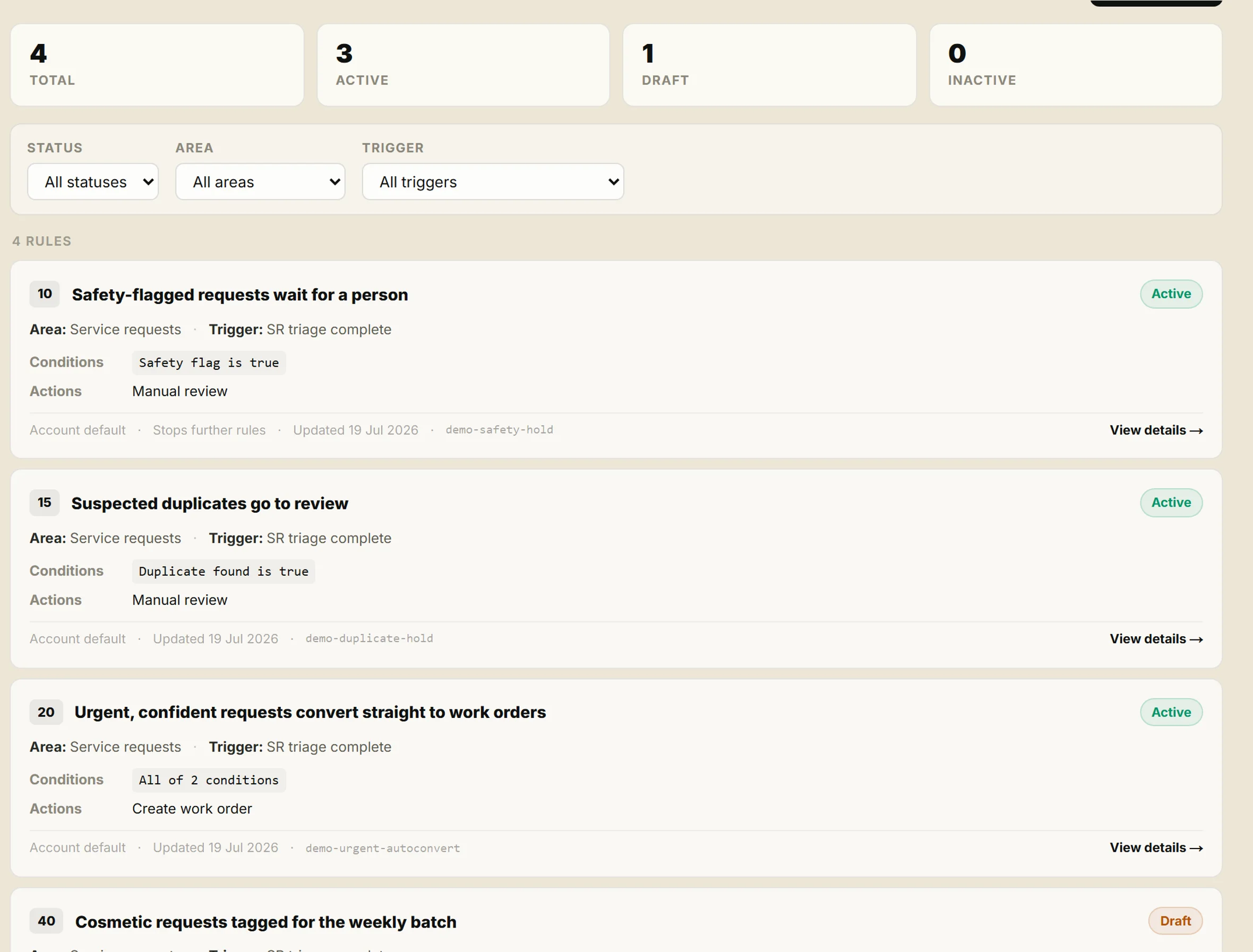
Decide once what runs itself.
Workflow rules decide what happens to each request: route it, convert it, or hold it for a person. Policies set how much autonomy the system has, from AI triage thresholds to auto-assignment, down to a single site. Every rule is explicit, inspectable and pausable.
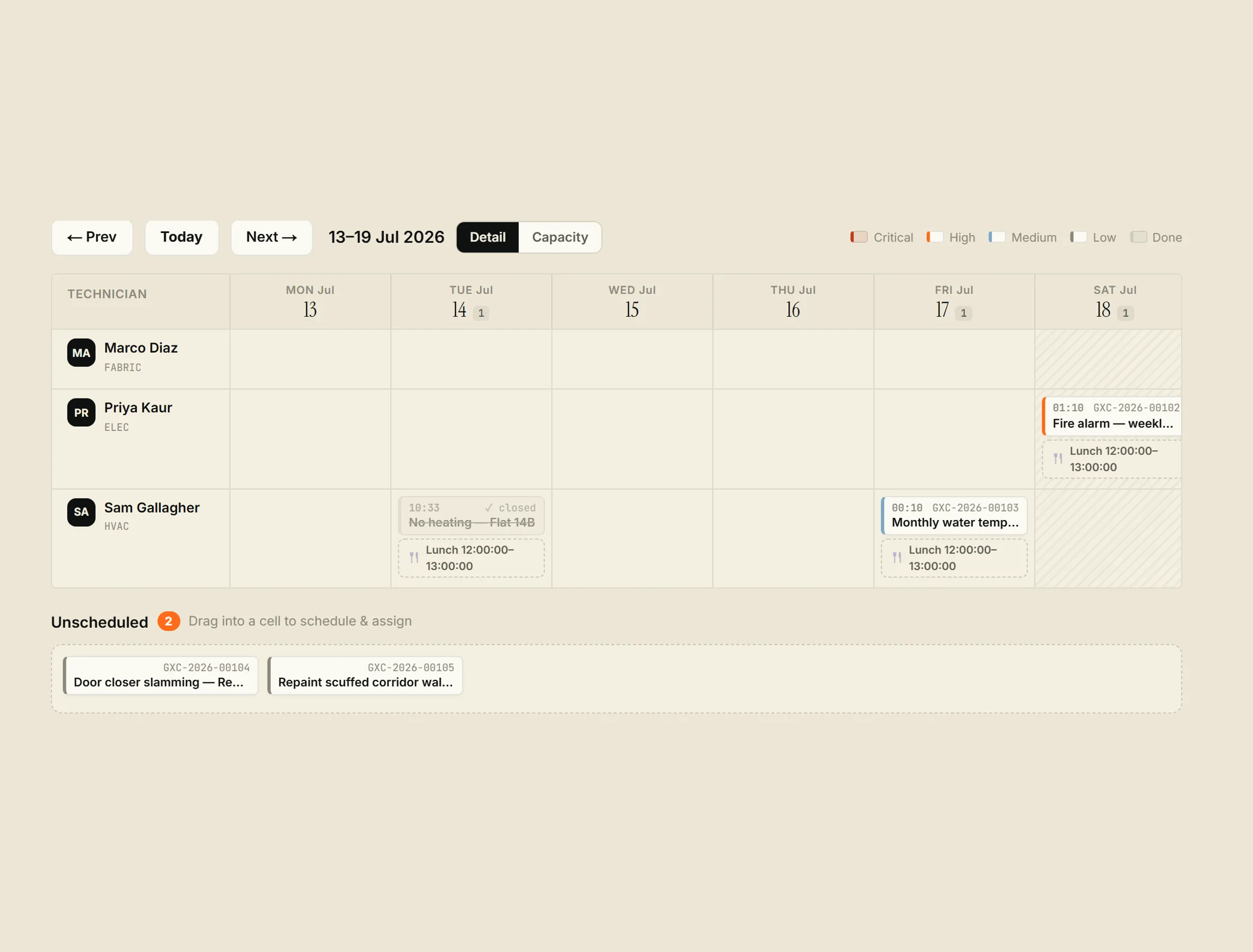
Drag a job; see who fits.
The scheduling board is a week of technician lanes. Drag a job to re-time or reassign it, and suggestion scoring lights up who fits best as you drag: skills, distance, workload. The unscheduled tray empties into the grid.
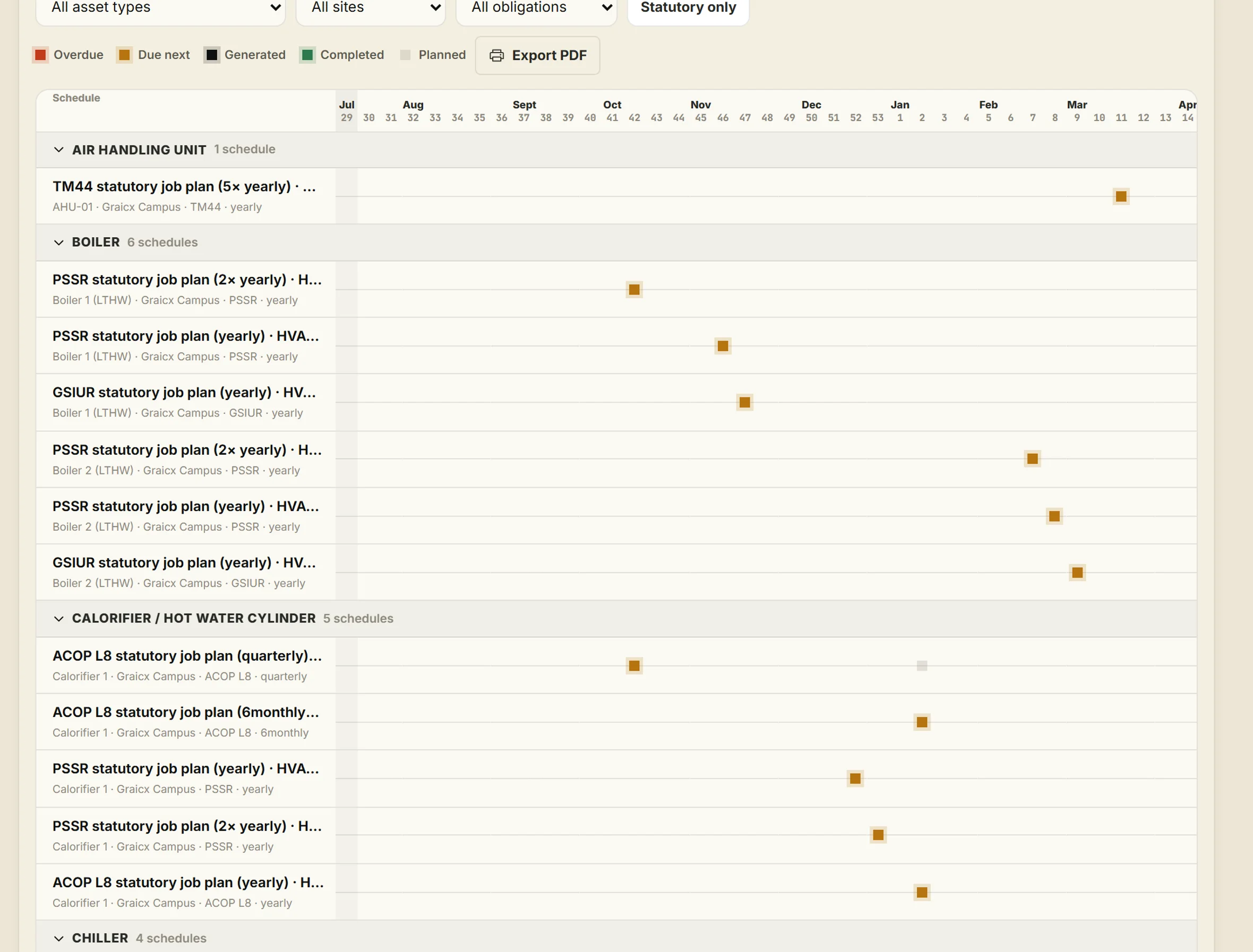
The wallchart FM teams actually print.
Every statutory schedule, placed in its week across the next 52. Real states solid, projected visits hollow, and the whole thing exports to PDF for the wall of the plant room.
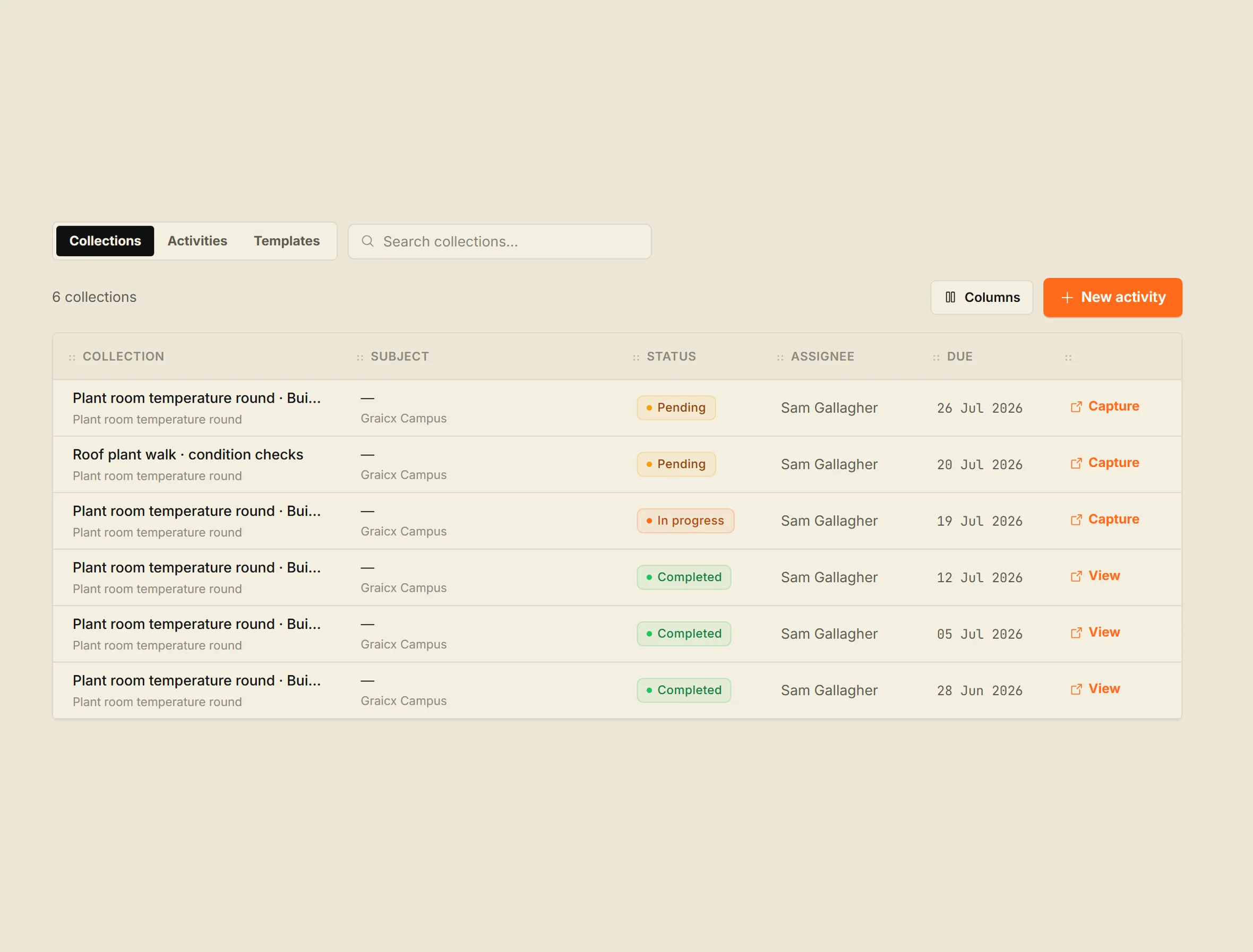
Rounds keep the data honest.
Templated rounds on a cadence: temperatures, readings, condition checks. Values project to the asset trend, and a reading outside its thresholds can raise the corrective work order on its own.
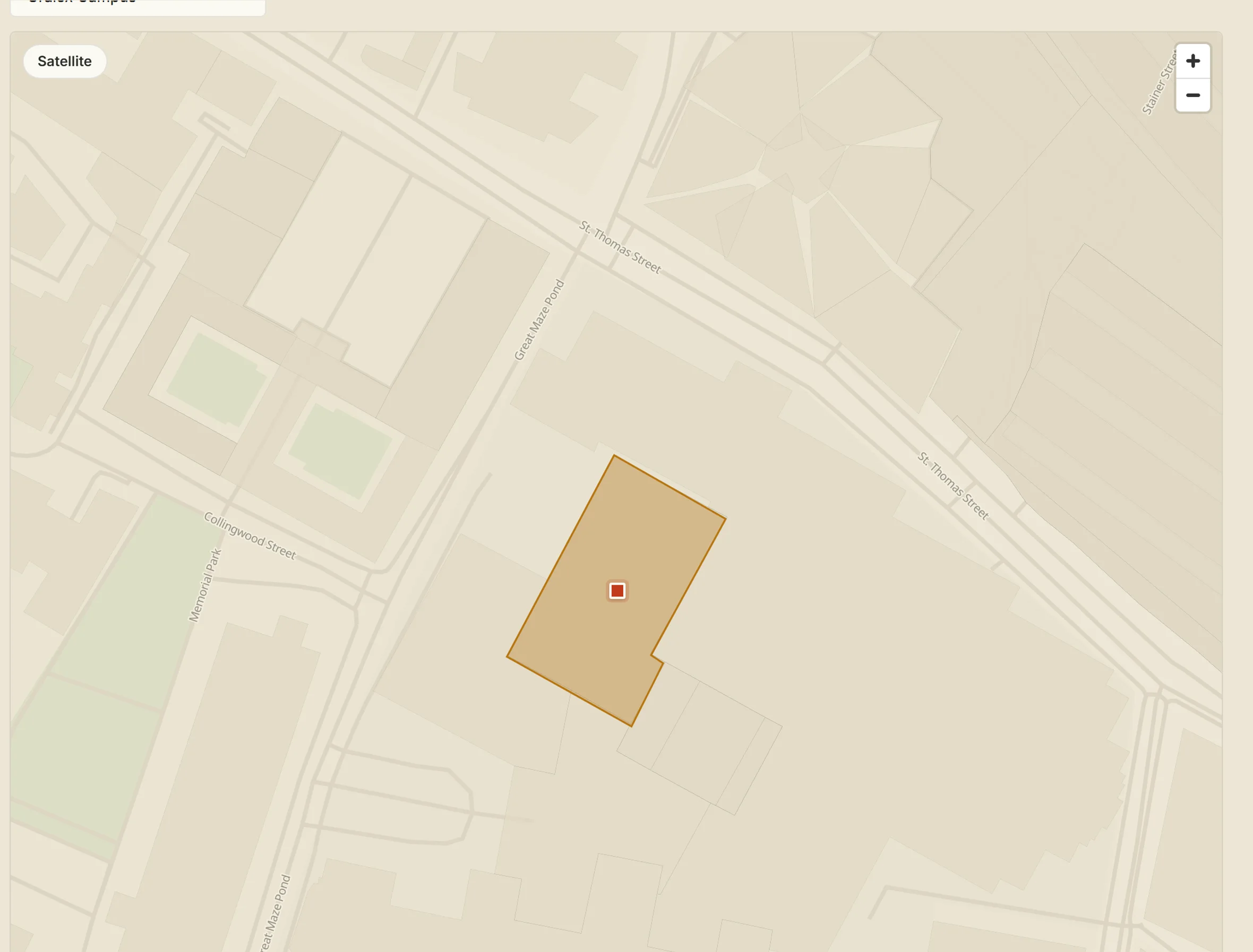
Buildings wear their status.
The live map draws each building footprint in its current condition. One glance says which building needs you.
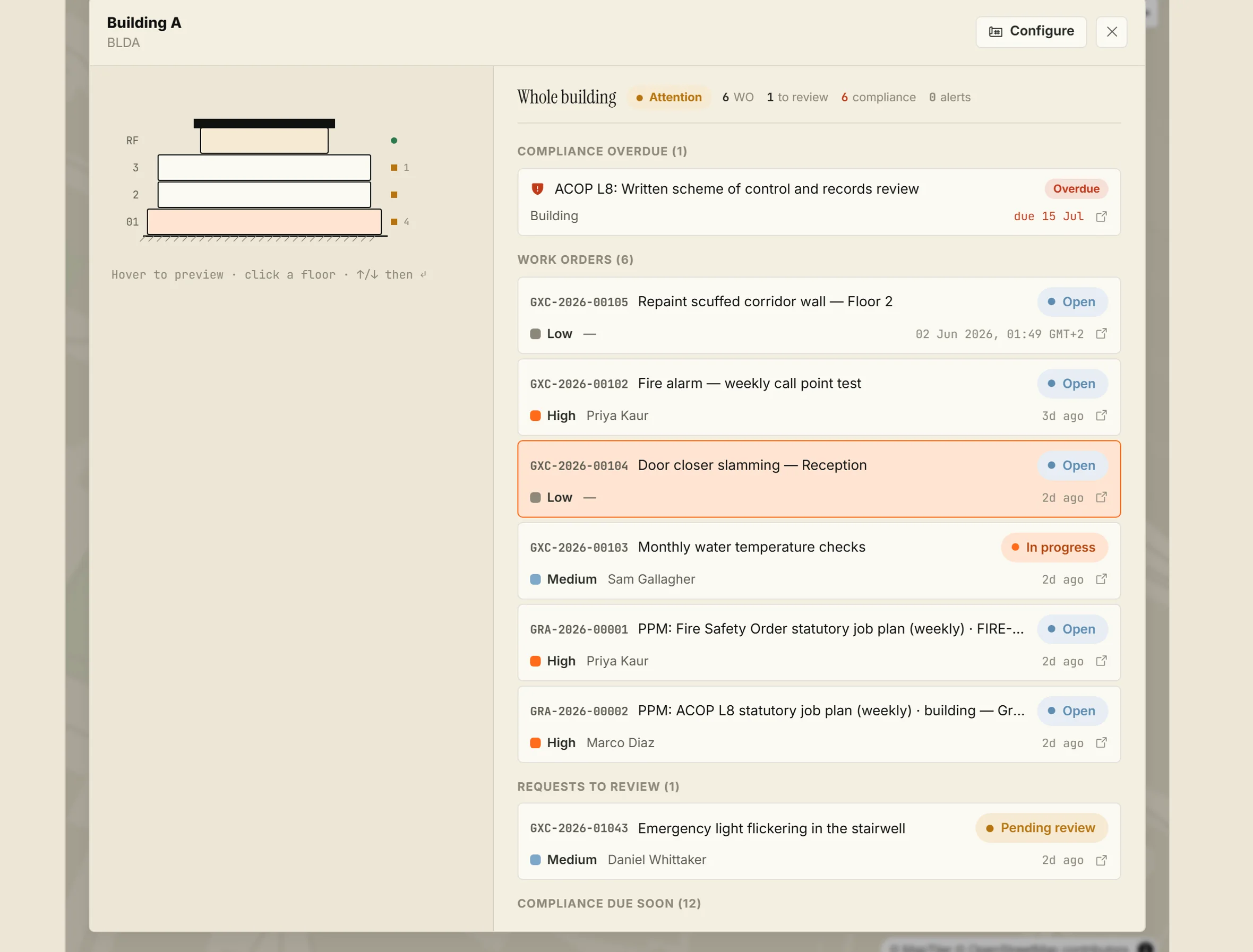
Click it, and it opens.
The building console stacks the floors on the left and everything alive in the building on the right: overdue compliance first, then the open work, then what waits for review. Click a floor and the list scopes to it.
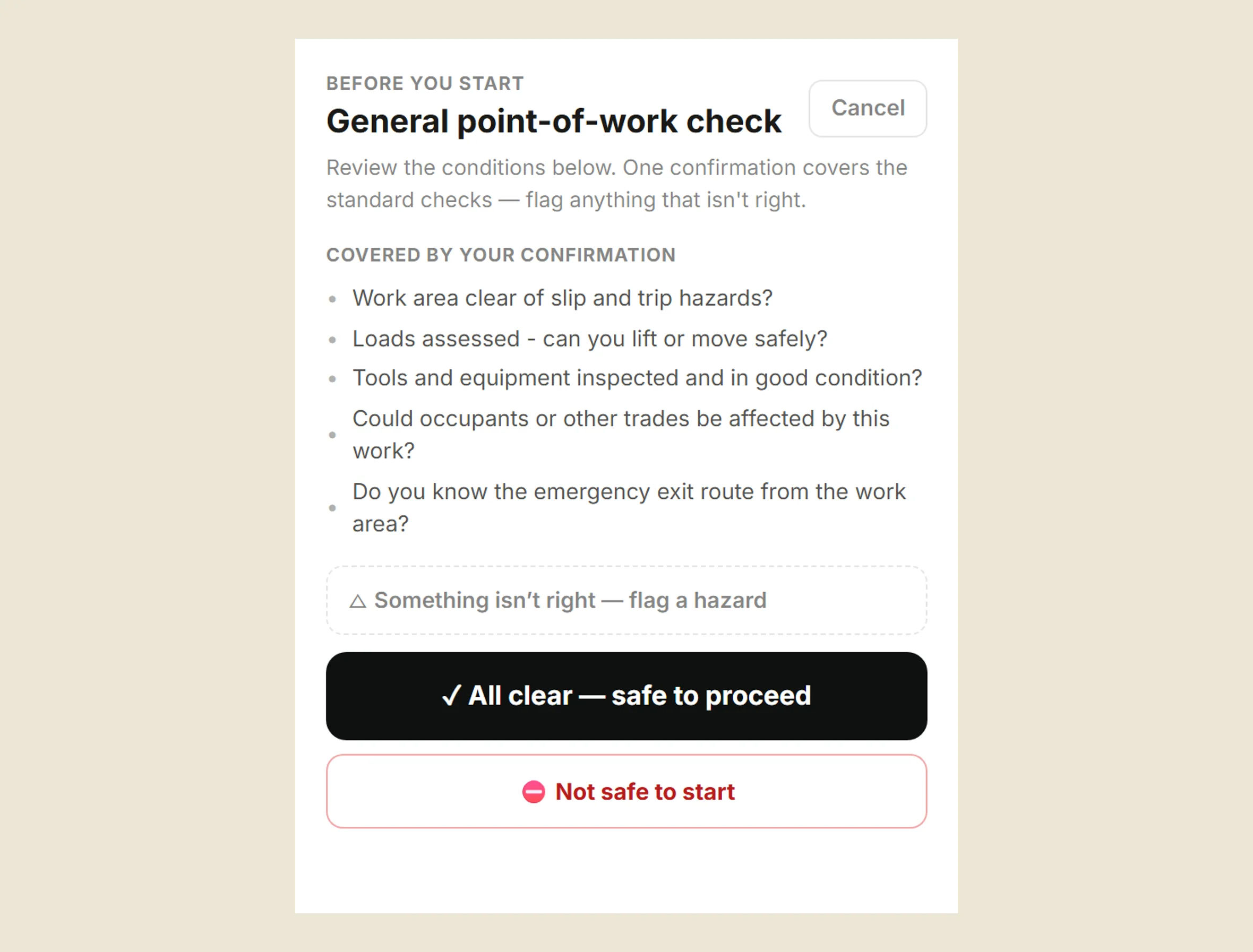
Safe to start; proud to finish.
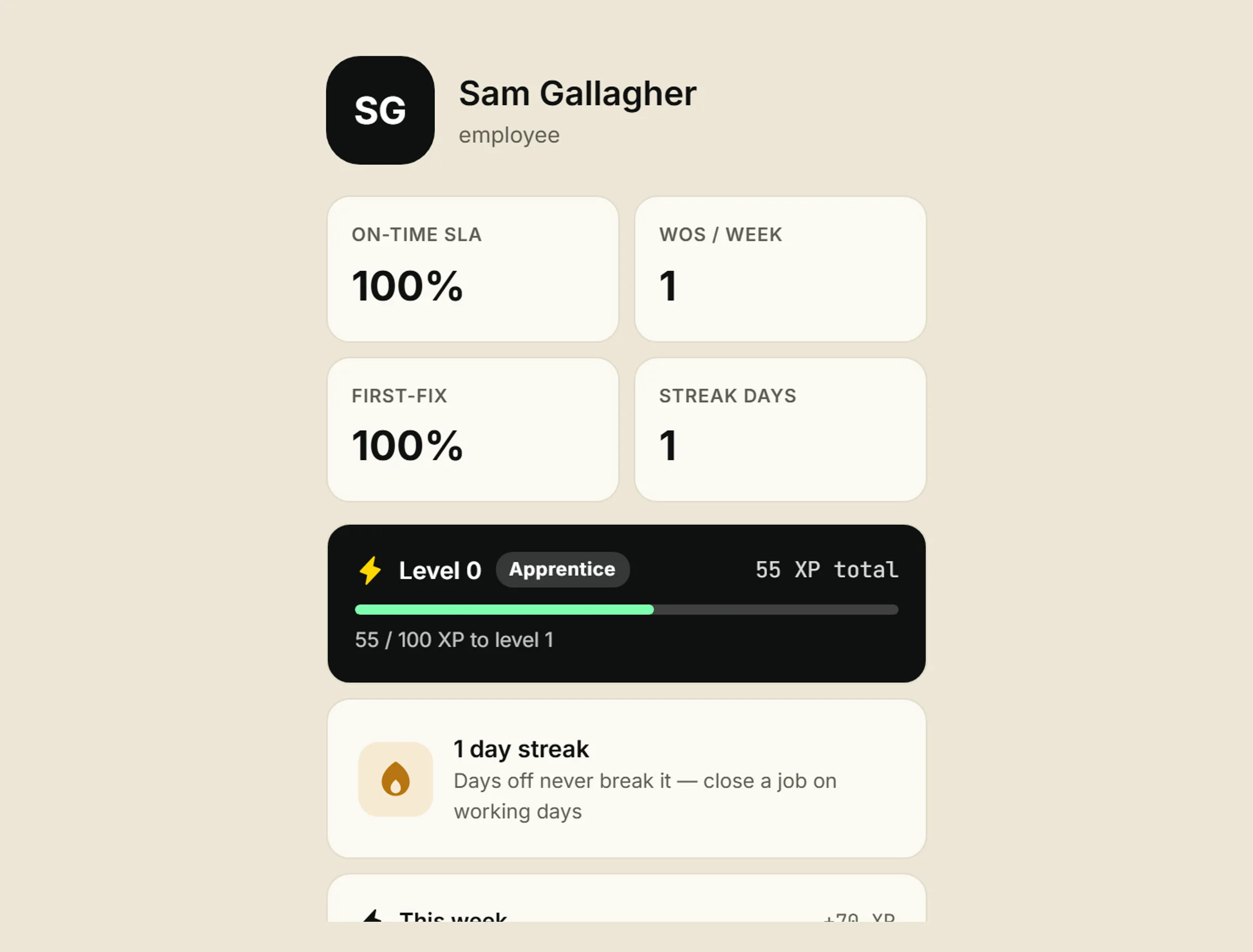
No job goes in progress without a point-of-work check, and stopping is always an option. At the other end, technicians earn real progression for finished, evidenced work, which keeps the whole record flowing without anyone chasing.
All of it feeds 3C Site Health.
Rules, schedules, rounds, gates and closeouts all land in one place: a continuously recomputed verdict per site, with the reasons ranked and each linked to its fix. See how the verdict works.
See Graicx on your estate.
Send us your current process: a spreadsheet, a screenshot, a description of what breaks every Monday morning. We'll show you a working prototype on your data within a week. No contract required, no consultant jargon.
No obligation. We sign your NDA. Your data never leaves a UK or EU region.